Getting Started with cURL
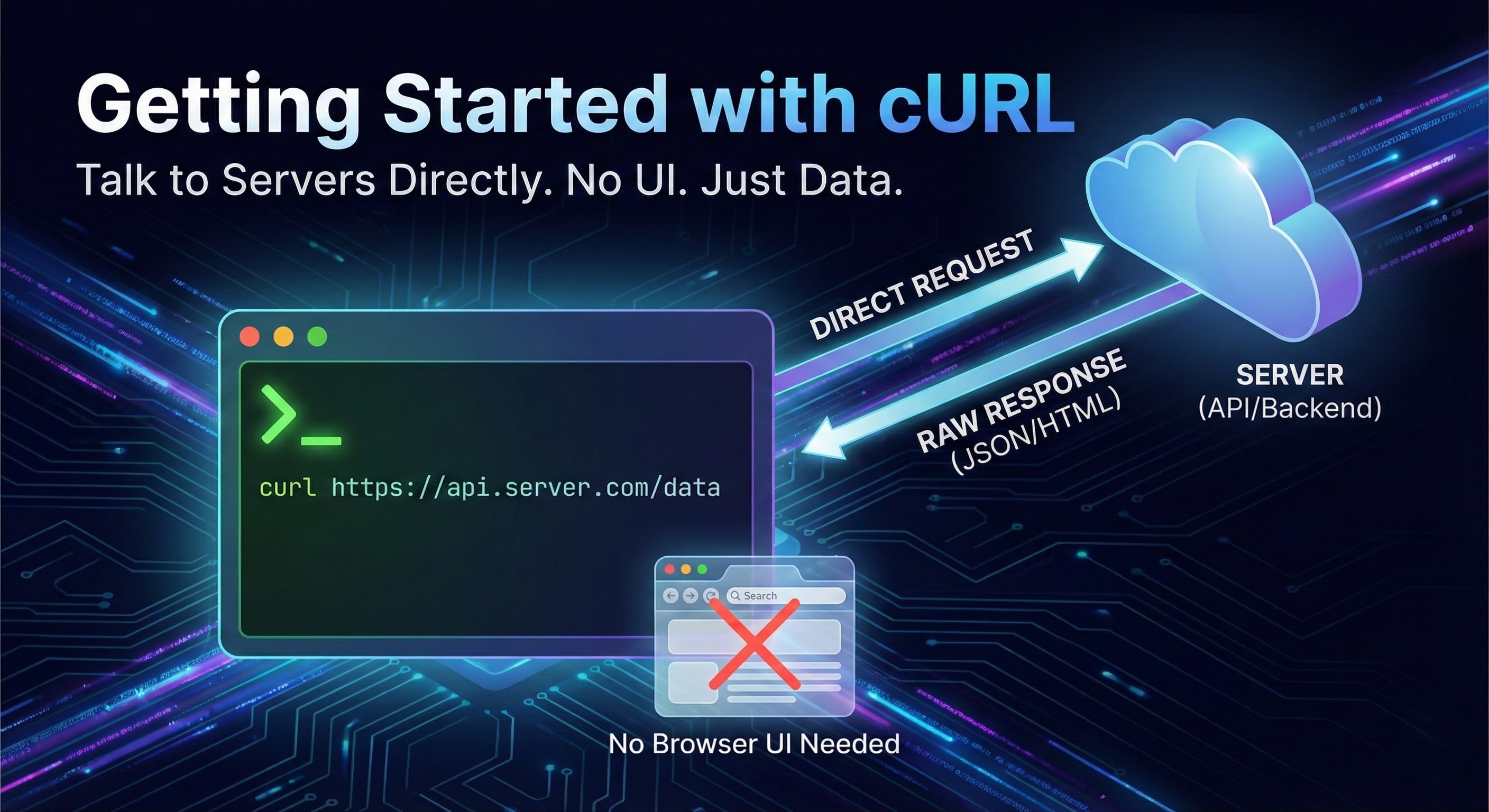
Before we talk about cURL, let’s understand one basic thing first.
What is a Server? And Why Do We Need to Talk to It?
A server is just another computer.
But unlike your laptop:
It is always connected to the internet
It waits for requests
It sends back responses
When you open a website:
Your browser sends a request to a server
The server sends back data (HTML, JSON, images, etc.)
So the real question is:
“How do we talk to a server?”
Browsers do it visually.
But programmers often need a direct, raw way to talk to servers.
That’s where cURL comes in.
What is cURL?
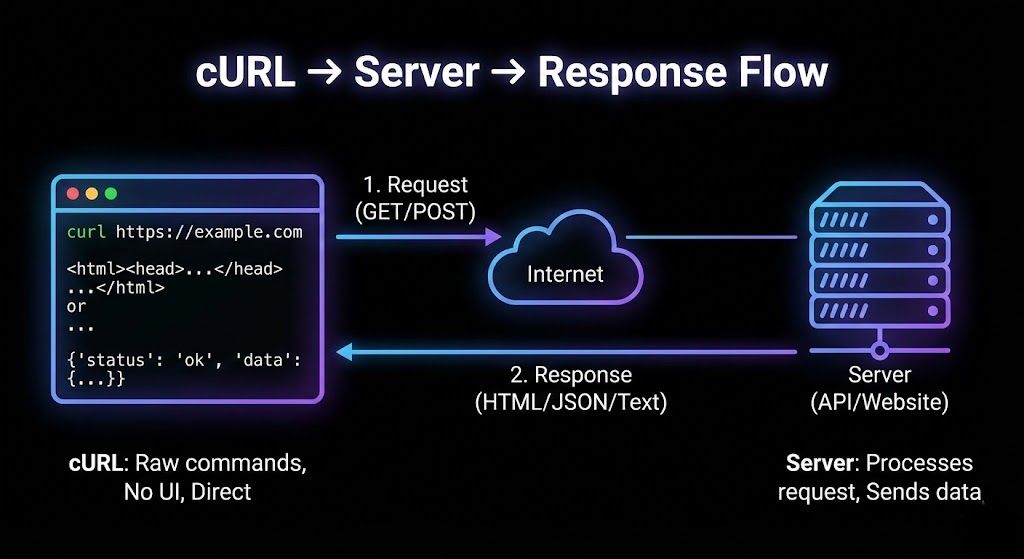
cURL is a tool that lets you send messages to a server from the terminal.
Think of it like this:
Browser → talks to server using clicks and UI
cURL → talks to server using commands
Same server.
Same internet.
Different interface.
cURL doesn’t show buttons or pages.
It just shows what the server sends back.
Why Programmers Need cURL
As a programmer, you don’t always want:
A full browser
UI distractions
Extra things happening in the background
You want:
Full control
Raw responses
Clear request → response flow
cURL is used to:
Test APIs
Debug backend endpoints
Check if a server is alive
Understand HTTP deeply
If you’re moving towards backend, APIs, or full-stack, cURL is unavoidable.
Your First cURL Request
Let’s start with the smallest possible win.
Open your terminal and type:
curl https://example.com
That’s it.
What just happened?
cURL sent a request to
example.comThe server responded
cURL printed the response in the terminal
No magic.
No flags.
No configuration.
Understanding Request and Response
Every server communication follows this pattern:
Request → Response
The Request
Sent by:
Browser
cURL
Mobile app
Backend server
Contains:
What you want
From where
Sometimes extra data
The Response
Sent by the server.
Contains:
Status (success or error)
Data (HTML, JSON, text, etc.)
When you used cURL earlier:
The request was sent silently
The response was printed directly
What Does the Response Mean?
When you run:
curl https://example.com
You usually see:
HTML content
Text returned by the server
That means:
The request was successful
The server understood you
The server sent data back
Later, you’ll learn about:
Status codes
Headers
Errors
But for now, just remember this:
“If you see data, the request worked.”
Using cURL to Talk to APIs
Websites return HTML.
APIs usually return JSON.
Example:
curl https://api.github.com
Here:
You’re not fetching a webpage
You’re talking to an API
The response is structured data
This is how:
Frontends
Mobile apps
Backend services
talk to each other.
cURL lets you do the same, manually.
GET and POST (Only What You Need Right Now)
We’ll keep this simple.
GET - Asking for Data
GET means:
“Give me something.”
Example:
curl https://api.github.com/users/octocat
You’re asking the server for information.
POST — Sending Data
POST means:
“Here’s some data for you.”
Used when:
Creating something
Submitting a form
Sending JSON
You’ll learn POST properly later.
For now, just know:
GET → receive data
POST → send data
That’s enough to move forward.
Browser Request vs cURL Request
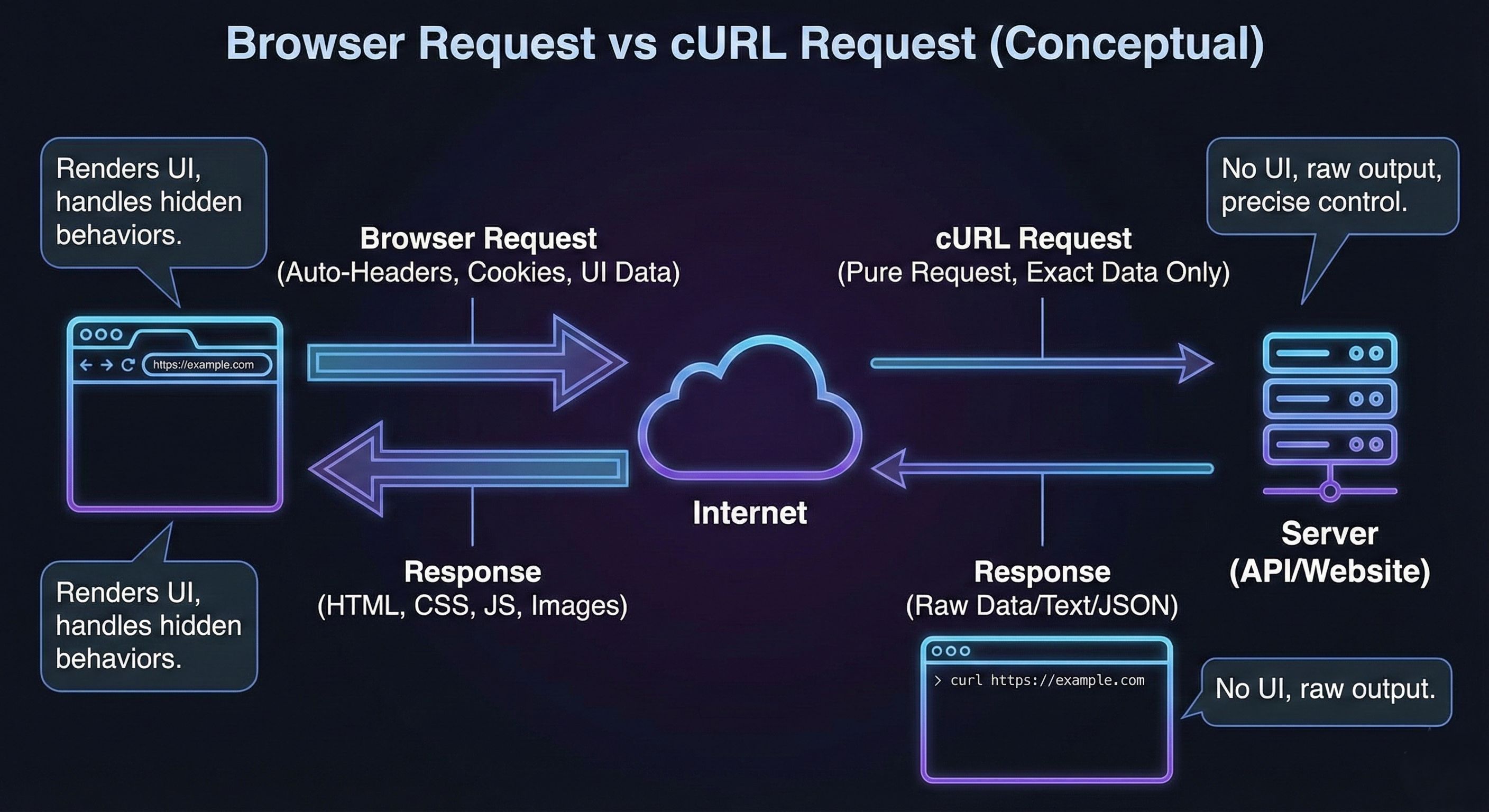
Browser:
Sends requests automatically
Adds headers
Handles cookies
Renders UI
cURL:
Sends exactly what you tell it to
No UI
No hidden behavior
Pure request → response
This is why backend developers love cURL.
Common Mistakes Beginners Make with cURL
Let’s clear some confusion early.
Expecting a UI
cURL doesn’t render pages.
It only shows raw responses.
Getting scared by messy output
Servers don’t send “pretty” data by default.
Jumping into too many flags
You don’t need -X, -H, -d on day one.
Thinking cURL is outdated
cURL is used everywhere, even inside tools you already use.
Where cURL Fits in Backend Development
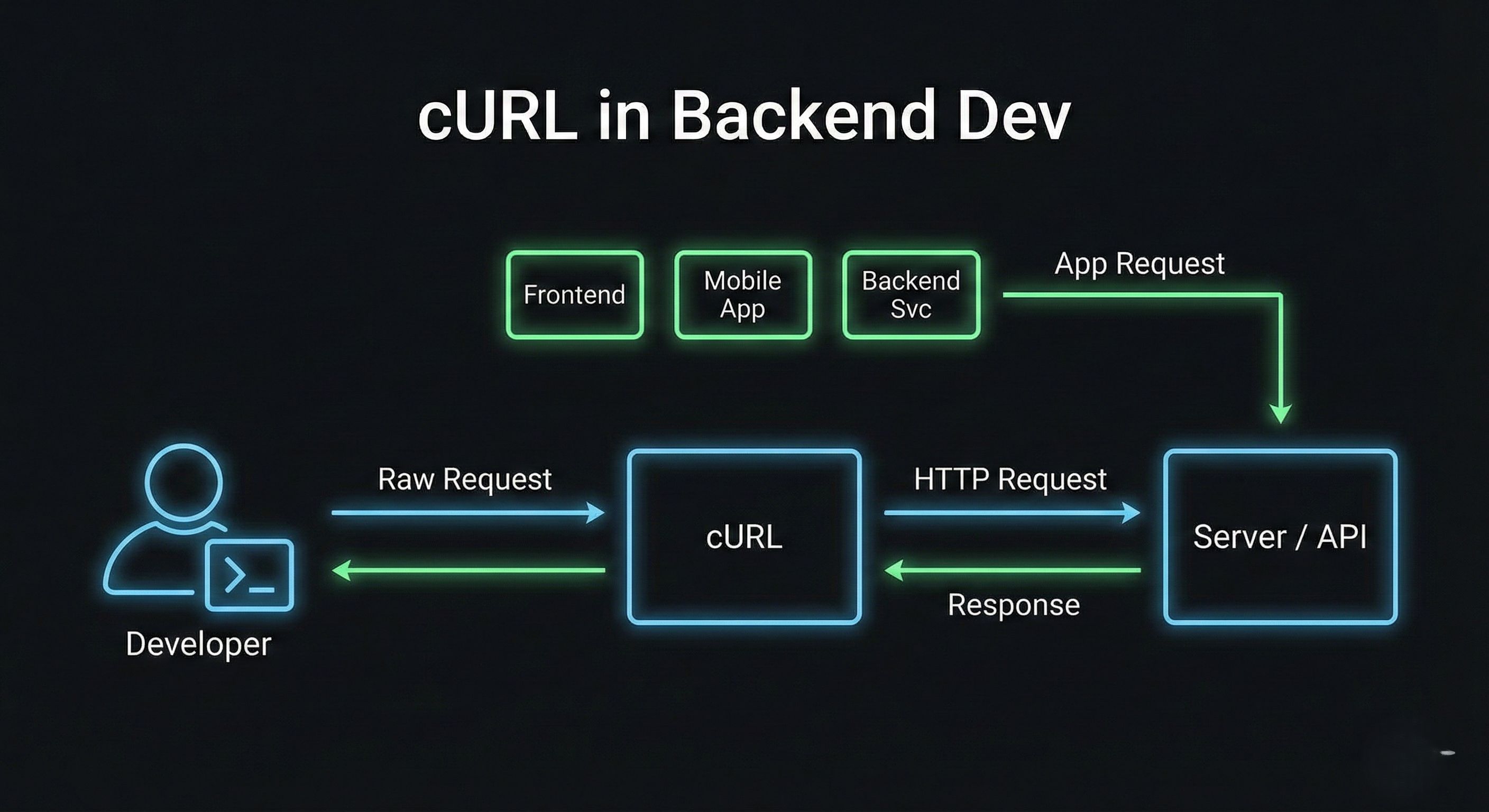
cURL sits right here:
Frontend / Mobile / Backend —> cURL —> Server / API
It helps you:
Test endpoints before writing frontend code
Debug backend issues
Understand HTTP without abstraction
If you understand cURL,
you understand how clients talk to servers.


